
Profit dashboard: real profit, slow stock and one-tap repricing
Eight flips from flea markets, thrift stores and a garage sale. The dashboard shows what went in, what came out and what was kept — and what to do about the stock that sits.
In this video
- 0:00Start
- 0:03Invested, revenue, profit and ROI
- 0:07The monthly goal
- 0:11Money stuck in stock
- 0:15Stock repriced from real sales
- 0:19Where you make money
- 0:24Repricing advice, one tap
- 0:32Mark a sale — the fee filled in
- 0:45Profit and goal update at once
- 0:50Expenses, mileage and the tax year
What you see
At the top: $225 invested, $356 revenue from five sales, $173.51 profit after costs, 95% ROI and $98 still in stock at cost, with the monthly goal of $600 as a progress bar.
Needs attention lists the money stuck in inventory, the two items unsold for 30+ days and the $53 tied up in them, how long items take to sell, and what the stock is worth at today's real sold prices — a PlayStation 3 has dropped 12% since it was scanned. Where you make money names the best and worst category, the best marketplace and the best place to buy.
For sale suggests new prices for the slow listings with the cash each releases; one tap applies it, never below break-even. Marking a sale is the price and where it sold: eBay's fee is filled in, the real profit shows before saving, and profit, ROI and the goal update at once. The money tab adds expenses, mileage and a tax-year report as a PDF or CSV.
The screens are the real FlipTip app on a demo account with demo items. The profit dashboard is part of Hustler, Flipper and Dealer.
More FlipTip videos
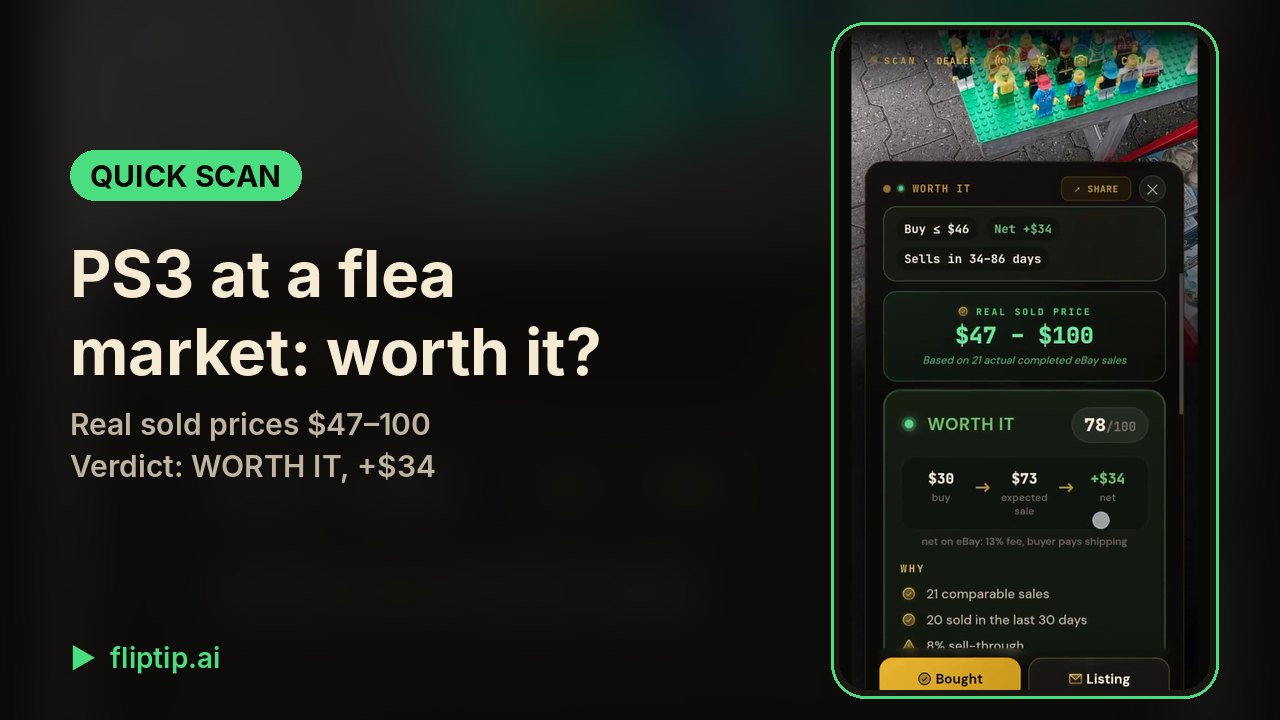 Quick Scan: is this PS3 worth buying at a flea market?0:36
 Worth it or skip: the verdict by your own buying rule1:08
 Real sold prices: what a flea-market Xbox One S really sold for0:50
 AI listing generator: an Xbox One S listed in one tap0:52
 Publish to eBay: AI writes the listing, one tap puts it live0:58
 eBay Autopilot: answer offers and lower prices automatically1:29
 Sales assistant: buyer replies, take-downs and relists with one tap0:53
 AI Hunter: an eBay deal finder that alerts you to real deals0:58
 Part-out calculator: a laptop that won't boot, worth more in parts0:51
 Sale X-Ray: is this estate sale worth going to?0:57
 Scout Squad: scouts send finds, you approve them live1:33
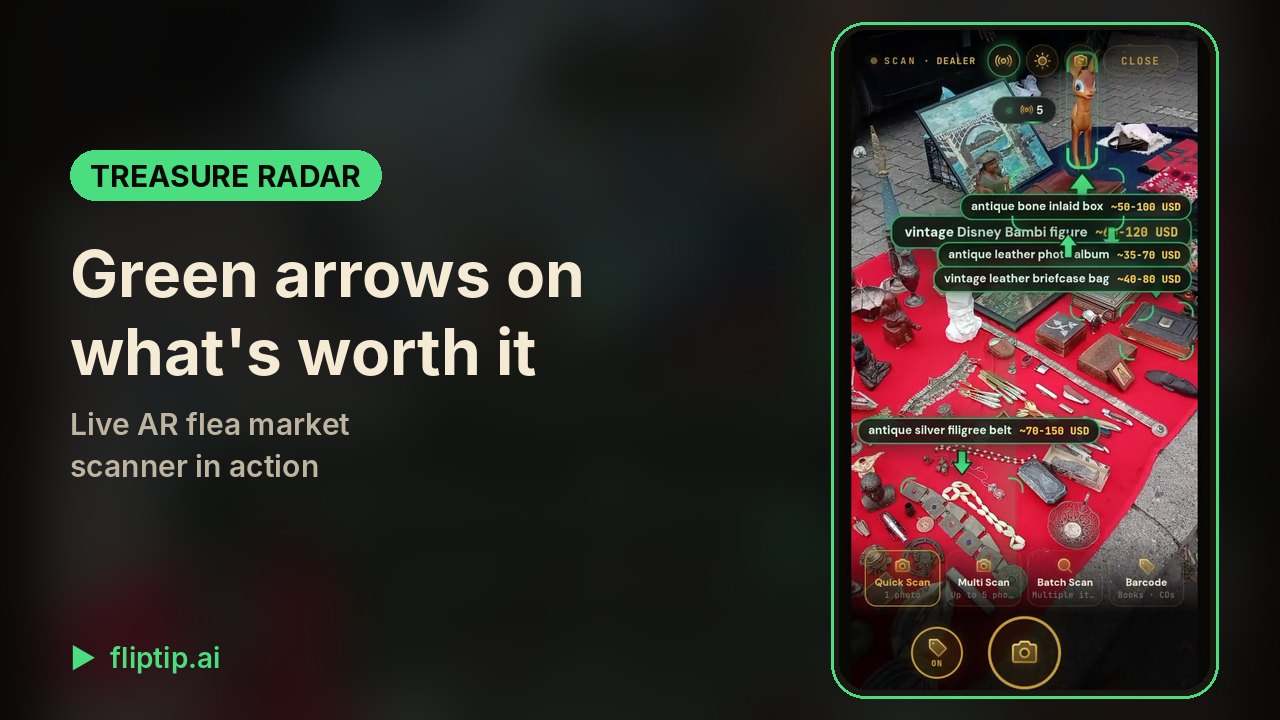 Treasure Radar: AR flea market scanner in action0:28
 How to use Treasure Radar: arrows, threshold and one-tap scan0:50
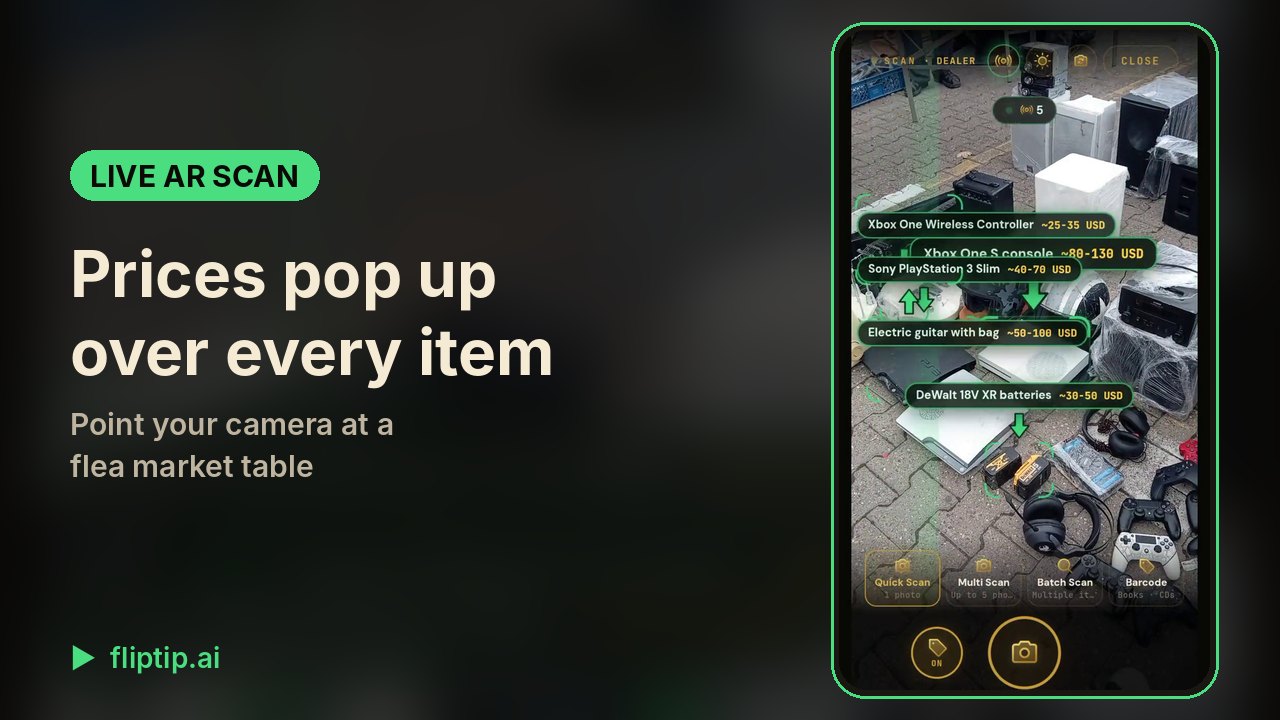 Live AR scan: resale prices over every item on the table0:35
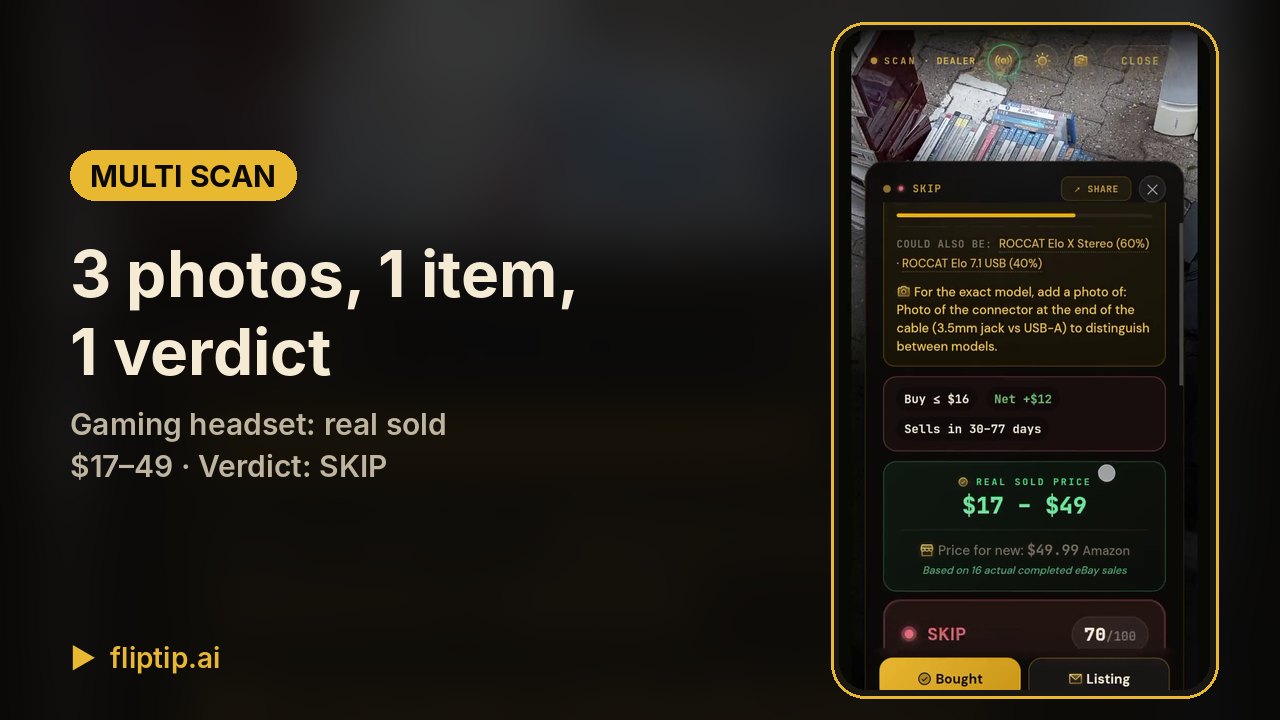 Multi Scan: 3 photos of one item, real sold prices0:48
 Batch Scan: three watches priced from one photo0:33
 How to use Multi Scan and Batch Scan1:15
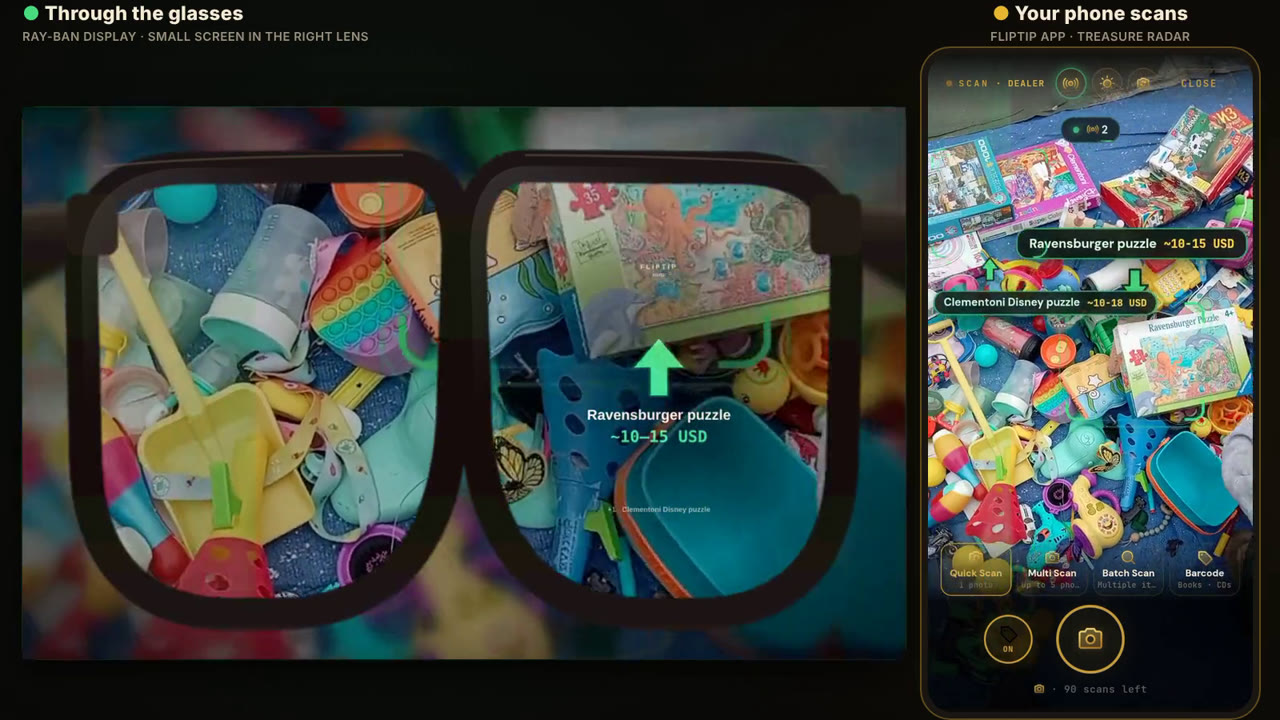 FlipTip on smart glasses: Treasure Radar on Ray-Ban Display0:24