
How to use Treasure Radar: arrows, threshold and one-tap scan
The scanner opens with the radar on. Green arrows with a rough price mark the items worth a look and stay on them as you walk along the table. A tap on the price chip keeps only the bigger finds, and a tap on an arrow scans that one item.
In this video
- 0:00Start
- 0:02Camera on at the market
- 0:05📡 ON when the scanner opens
- 0:07Green arrows with a rough price
- 0:11Clutter is skipped
- 0:14The arrows follow the items
- 0:20New finds as you walk
- 0:24Only $50+
- 0:31Tap an arrow: scan that item
- 0:39Real sold prices and the verdict
- 0:43The radar uses no scans
What you see
With the camera on a flea-market table, the radar marks a Yamaha AV receiver (about $80–150), an Xbox One S (about $90–130) and a pair of DeWalt 20V batteries (about $60–90). The helmets on the same table get no arrow: the clutter is skipped. 📡 ON next to the shutter shows the radar is running.
Walking further along the table, the arrows stay on the items while the camera moves, and new finds appear — a gaming headset and a PS4 controller, each around $20–35.
The chip on the radar pill sets what counts: $10, $20, $50 or $100 and up. At $50+ only the Xbox and the batteries stay marked.
A tap on the Xbox arrow scans just that item, with the seller's price of $40: identification, real sold prices and the verdict — WORTH IT. The radar itself uses no scans; only the full scan counts.
The screens are the real FlipTip app on a demo account. The camera shows a photo of a flea-market table that moves like a phone, and the radar's and the scan's answers are prepared for the demo. Treasure Radar is part of the Flipper and Dealer plans.
More FlipTip videos
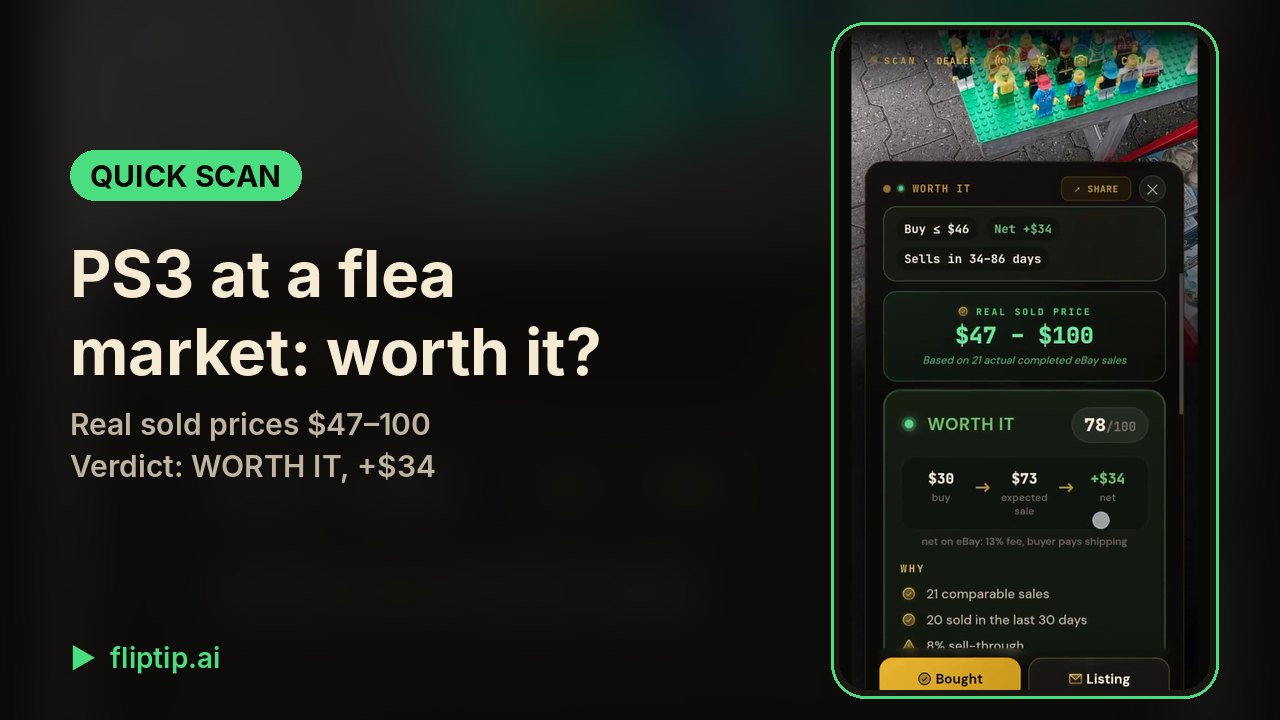 Quick Scan: is this PS3 worth buying at a flea market?0:36
 Worth it or skip: the verdict by your own buying rule1:08
 Real sold prices: what a flea-market Xbox One S really sold for0:50
 AI listing generator: an Xbox One S listed in one tap0:52
 Publish to eBay: AI writes the listing, one tap puts it live0:58
 eBay Autopilot: answer offers and lower prices automatically1:29
 Sales assistant: buyer replies, take-downs and relists with one tap0:53
 AI Hunter: an eBay deal finder that alerts you to real deals0:58
 Profit dashboard: real profit, slow stock and one-tap repricing0:57
 Part-out calculator: a laptop that won't boot, worth more in parts0:51
 Sale X-Ray: is this estate sale worth going to?0:57
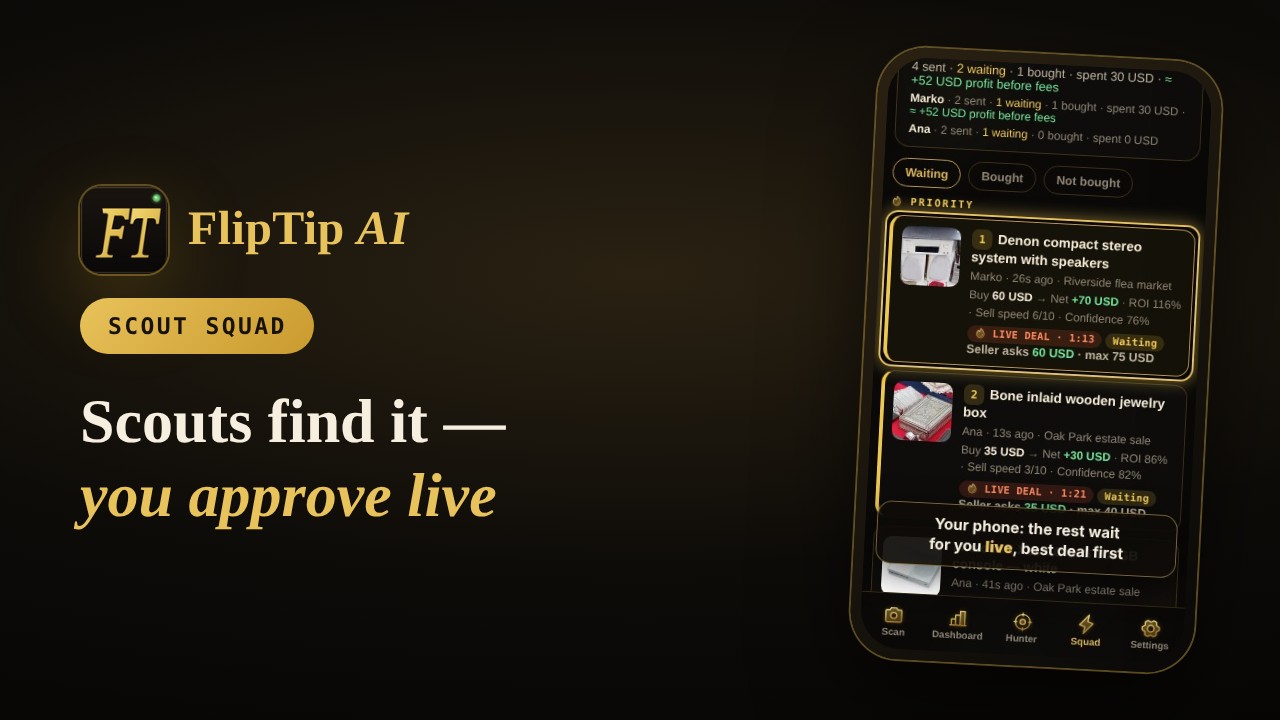 Scout Squad: scouts send finds, you approve them live1:33
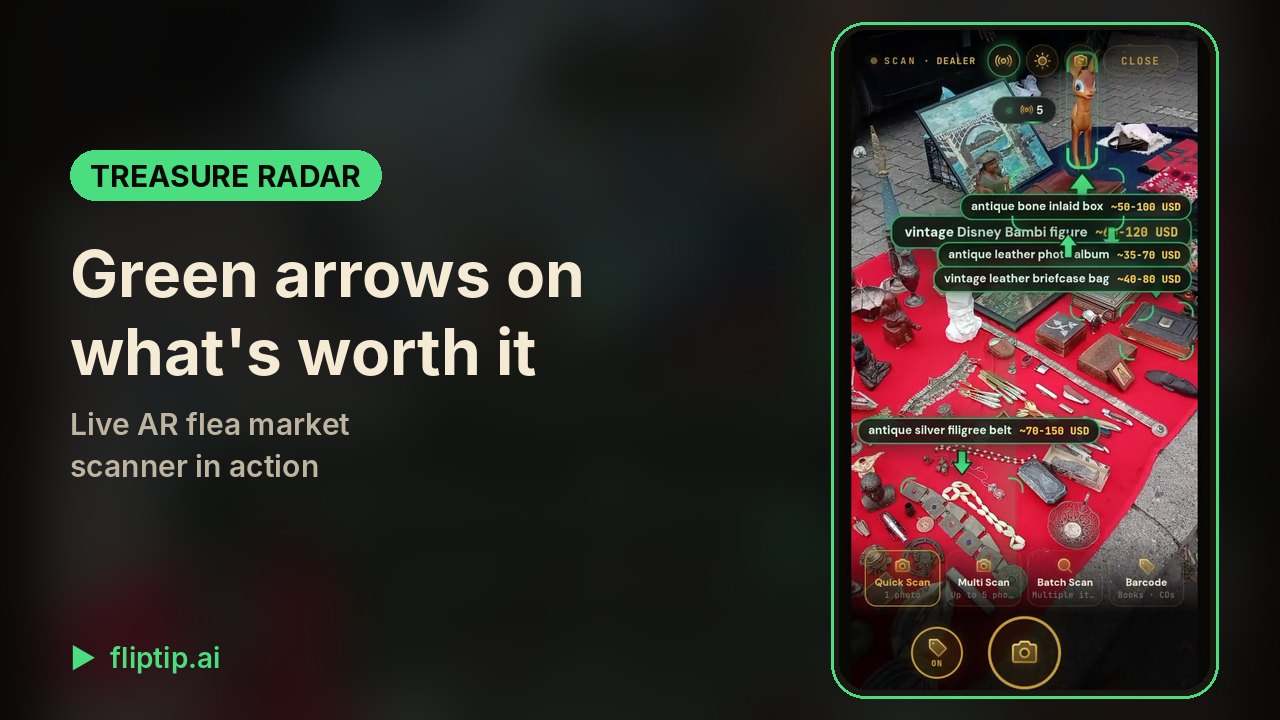 Treasure Radar: AR flea market scanner in action0:28
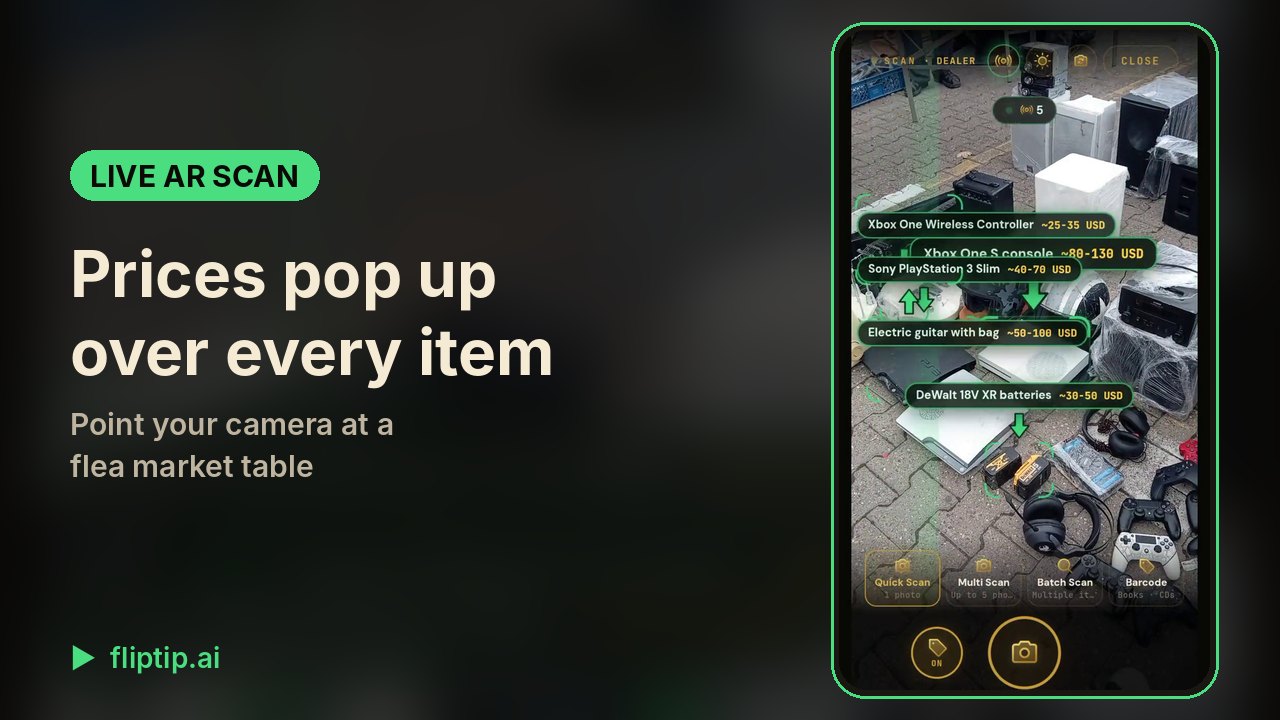 Live AR scan: resale prices over every item on the table0:35
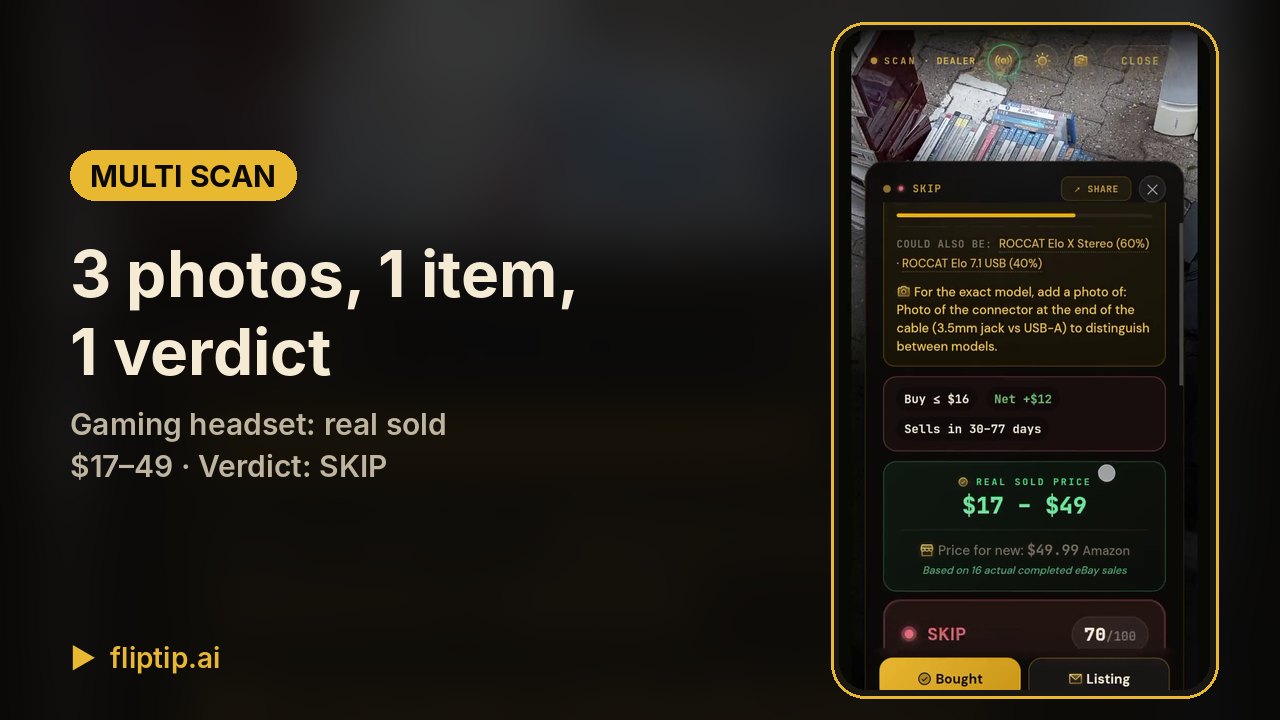 Multi Scan: 3 photos of one item, real sold prices0:48
 Batch Scan: three watches priced from one photo0:33
 How to use Multi Scan and Batch Scan1:15
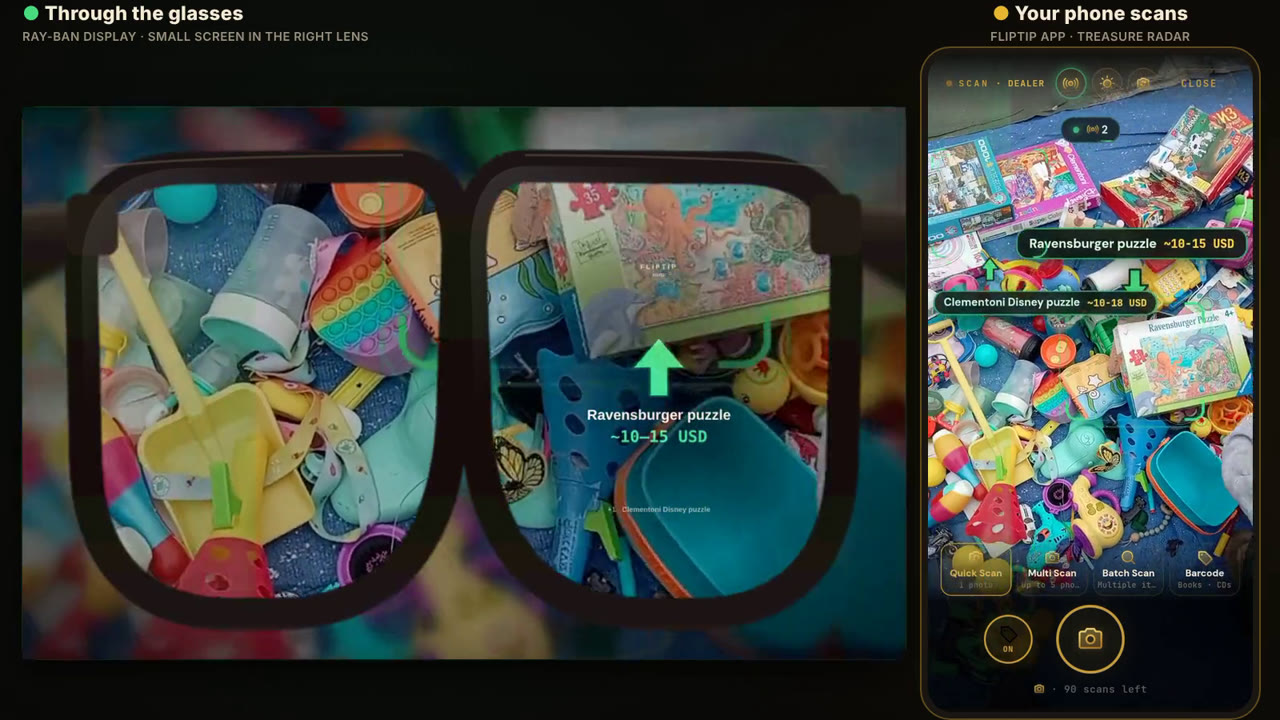 FlipTip on smart glasses: Treasure Radar on Ray-Ban Display0:24